

Take online reservations & requests
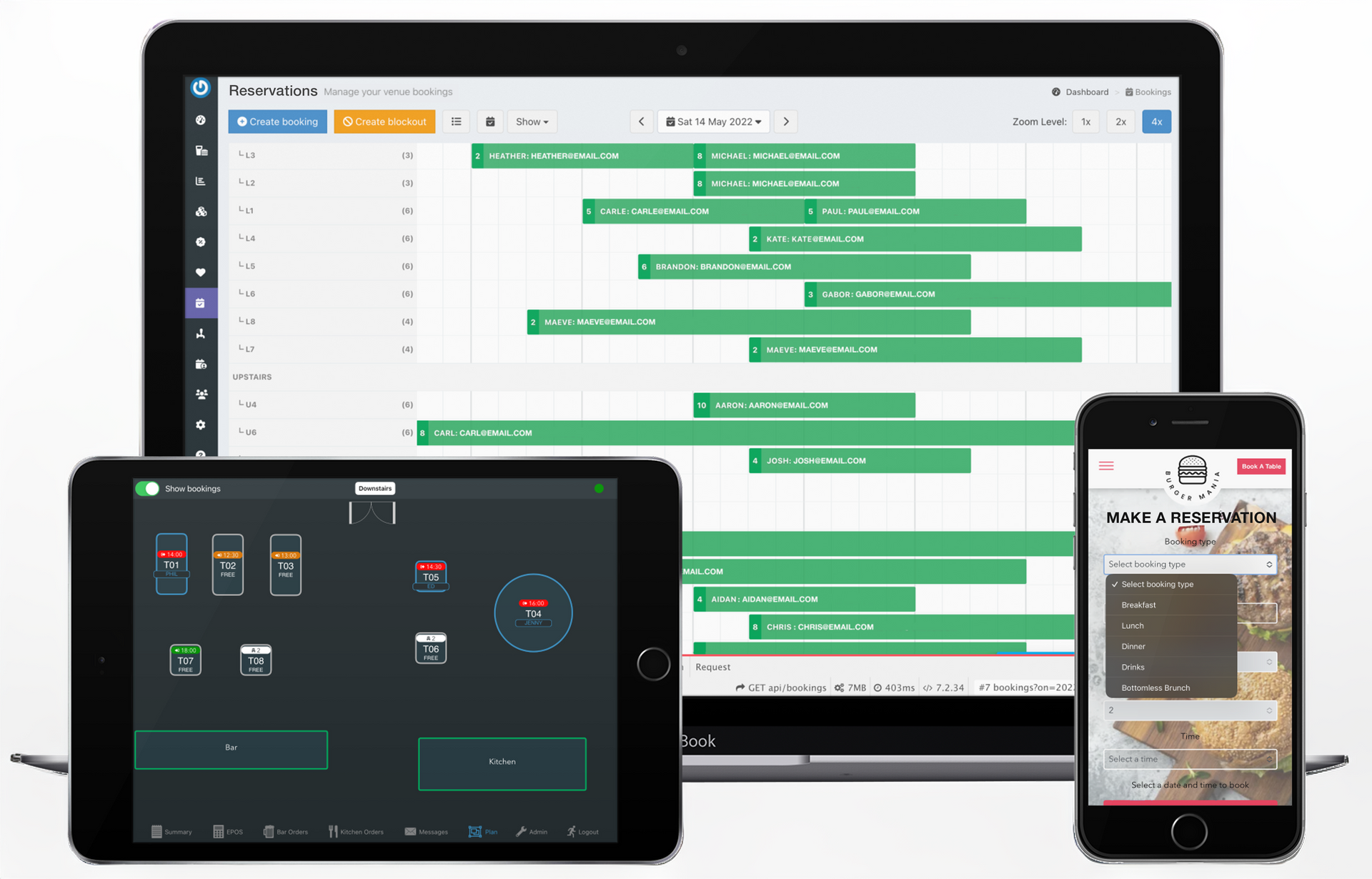
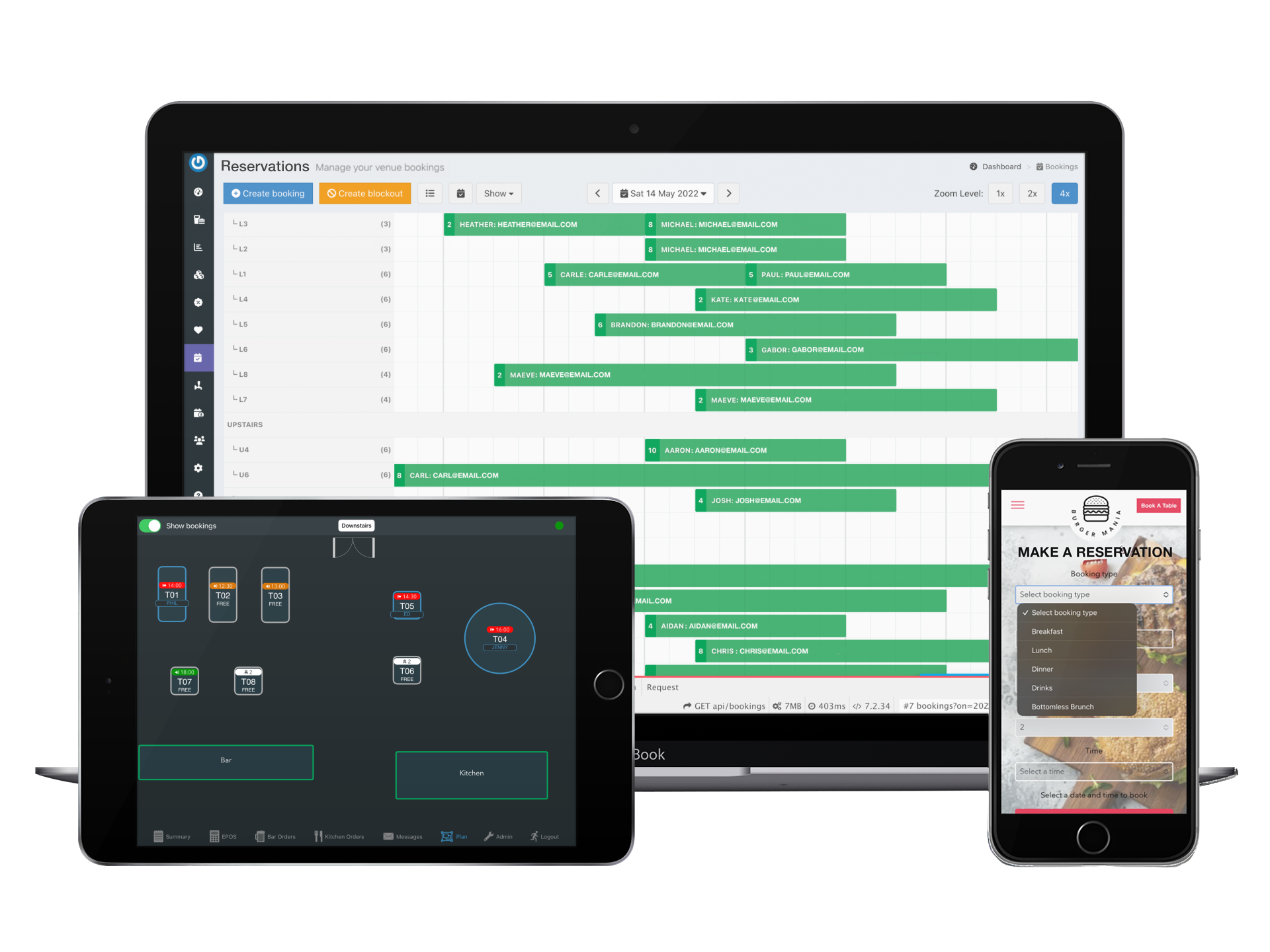
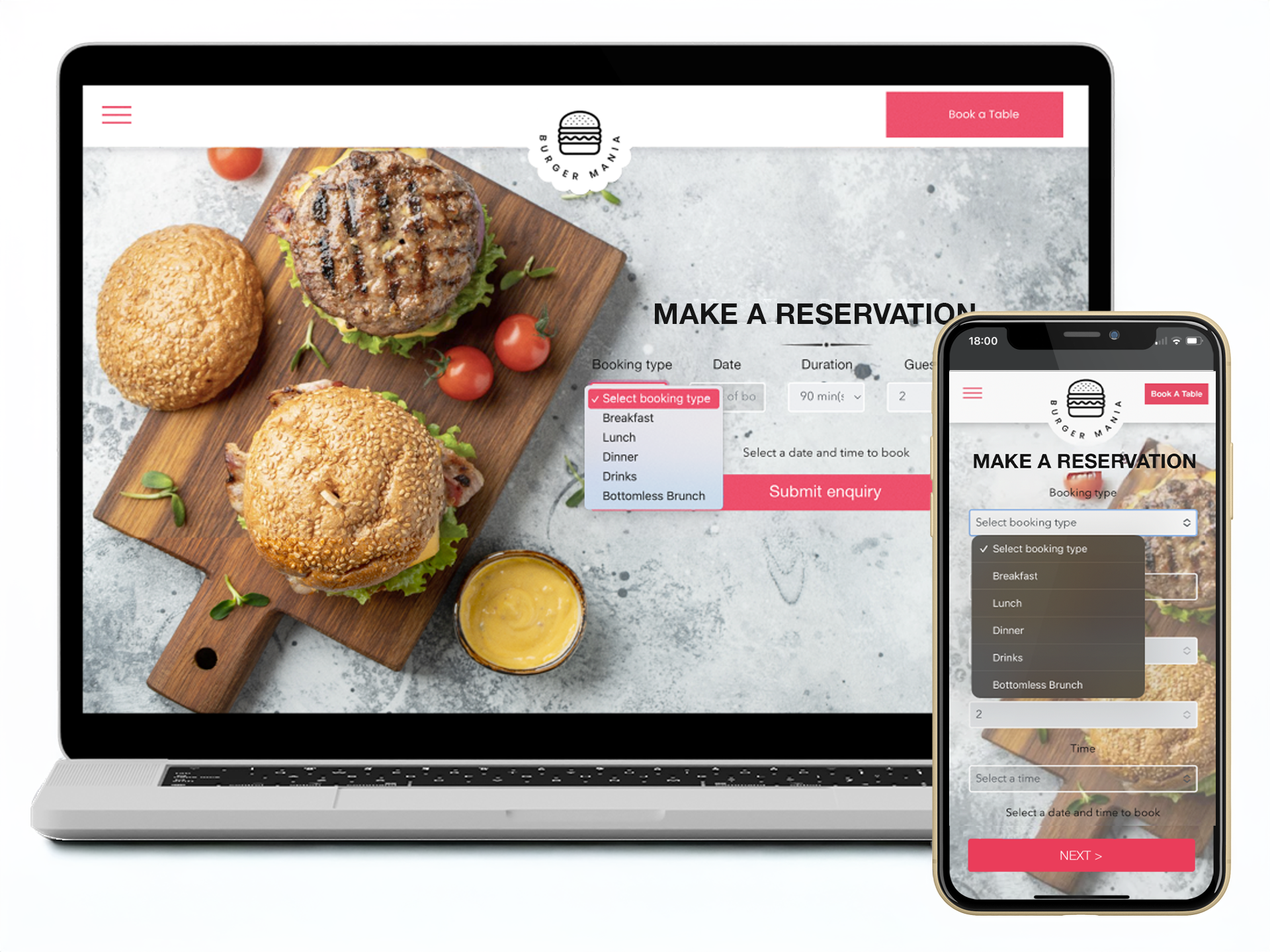
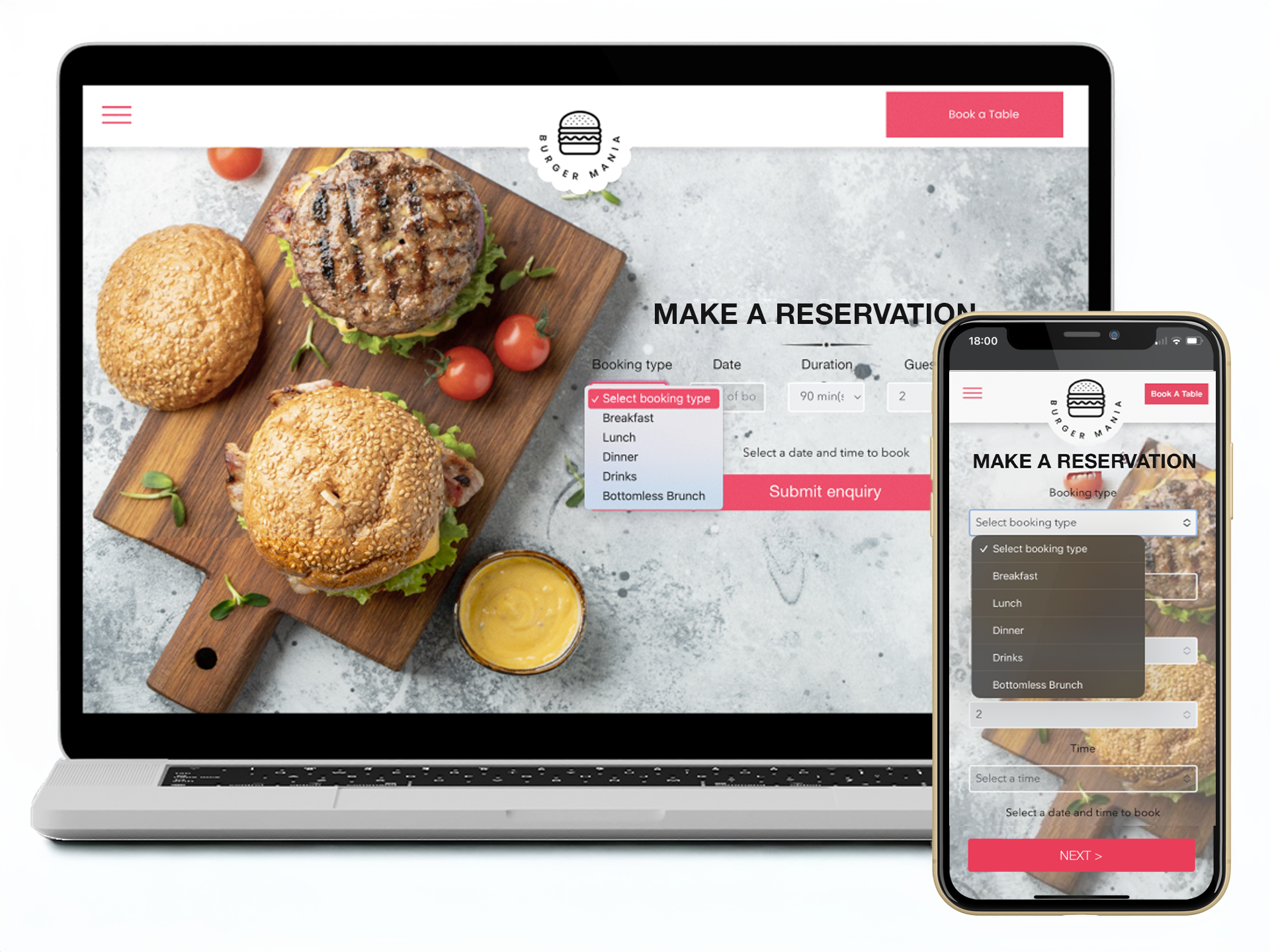
- Take reservations from your website with a fully customisable form that's easy to add and configure
- Reserve with Google lets people reserve a table directly from Google Search and Maps
- Specify which reservations should automatically confirm and which should come through as requests
- Set up reservation types for your different offerings, such as lunch/dinner, seasonal events or set menus, and manage your floor more effectively.
Manage reservations from your POS
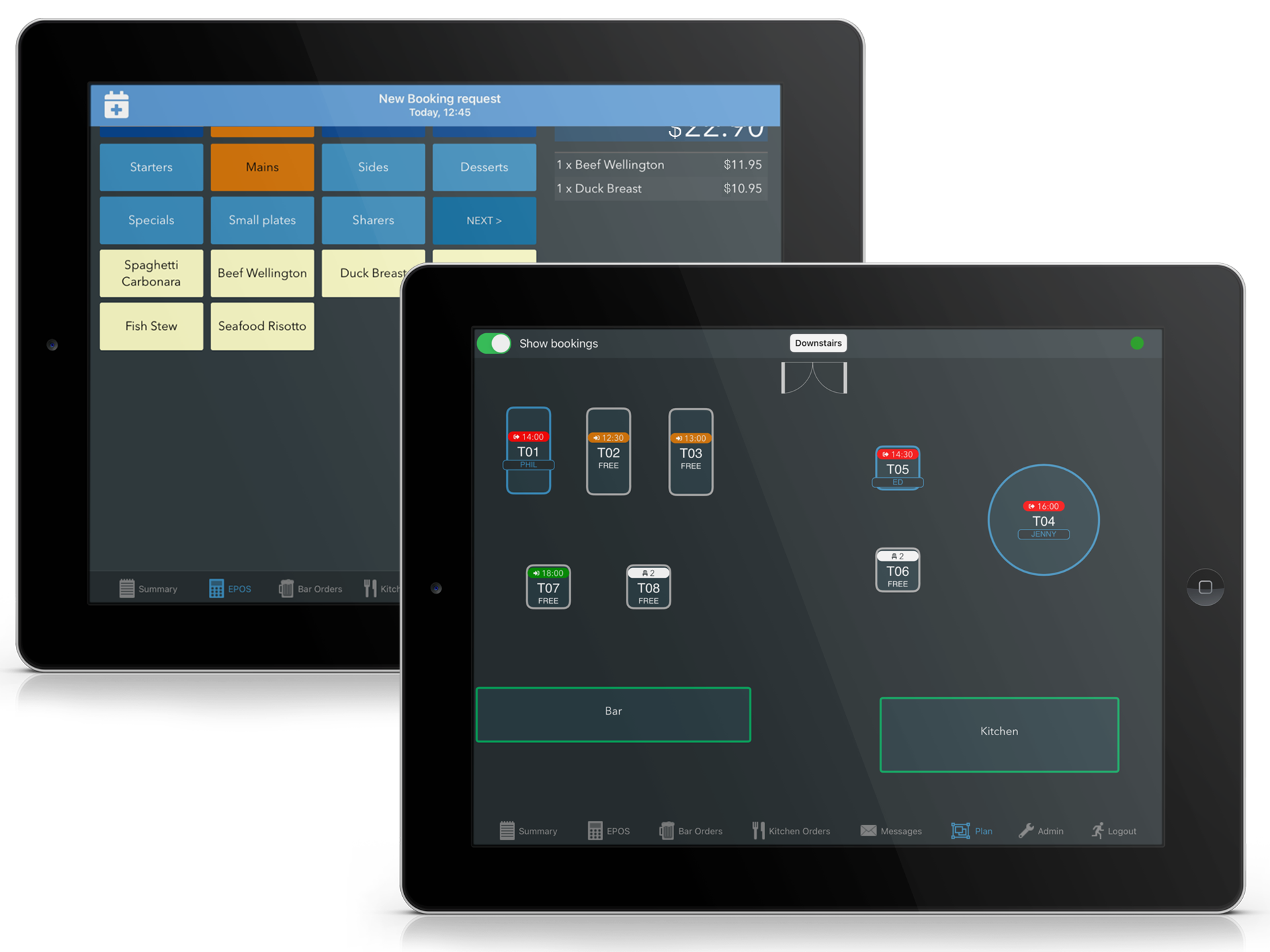
- Receive alerts on your POS for new reservations, requests, and cancellations
- Accept or decline requests, allocate tables, or mark as no show directly on the POS
- View current & upcoming reservations on your POS table plan
Reduce no shows with card pre-authorizations, deposits & reminders
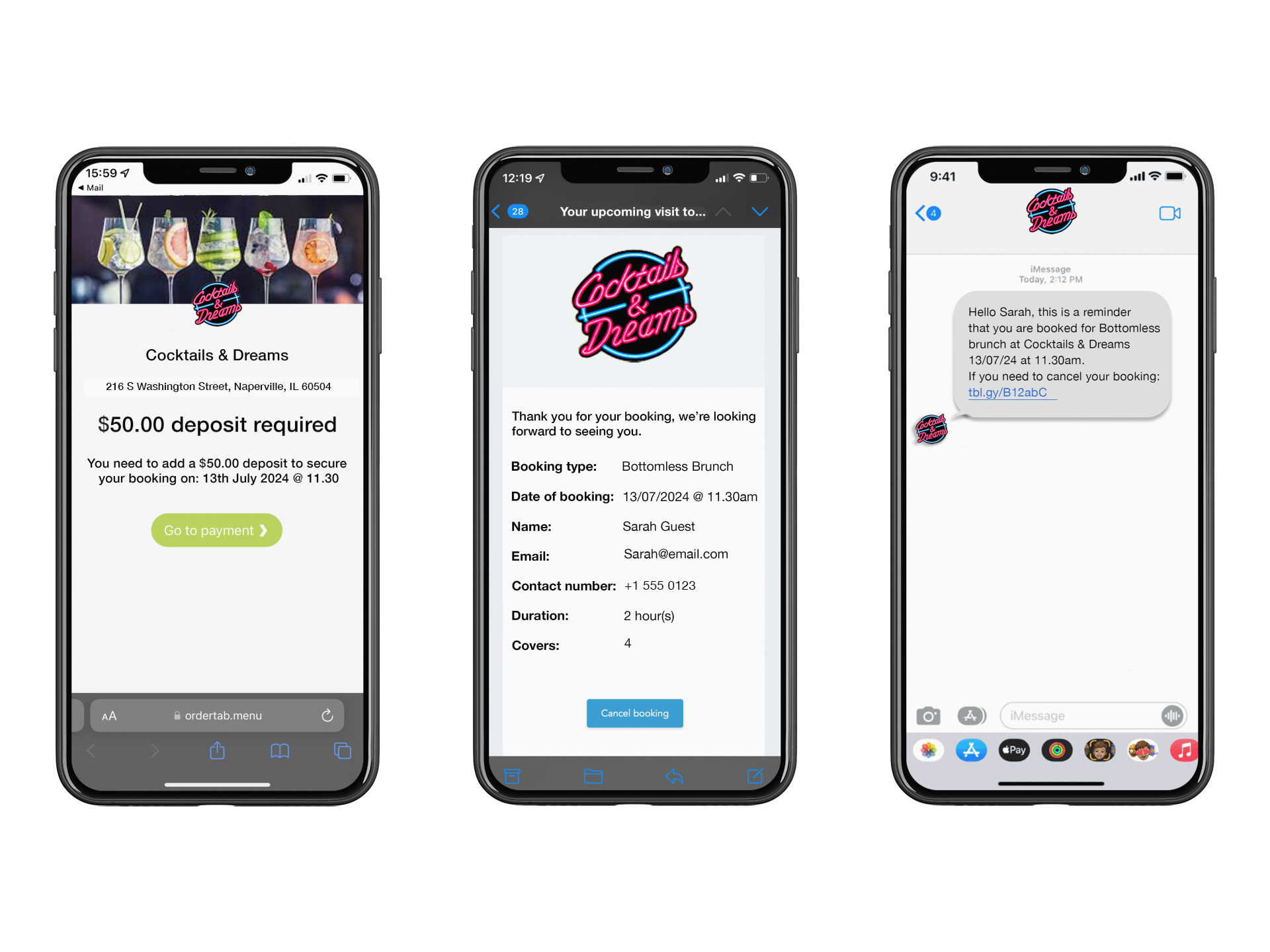
- Take card pre-authorizations and deposits up front, or via secure deposit links
- Configure these by reservation types, if requirements vary
- Automatic email & SMS reminders & follow ups
- Allow guests to cancel their reservation via a link in reminder emails
Rich data & analytics to drive repeat reservations
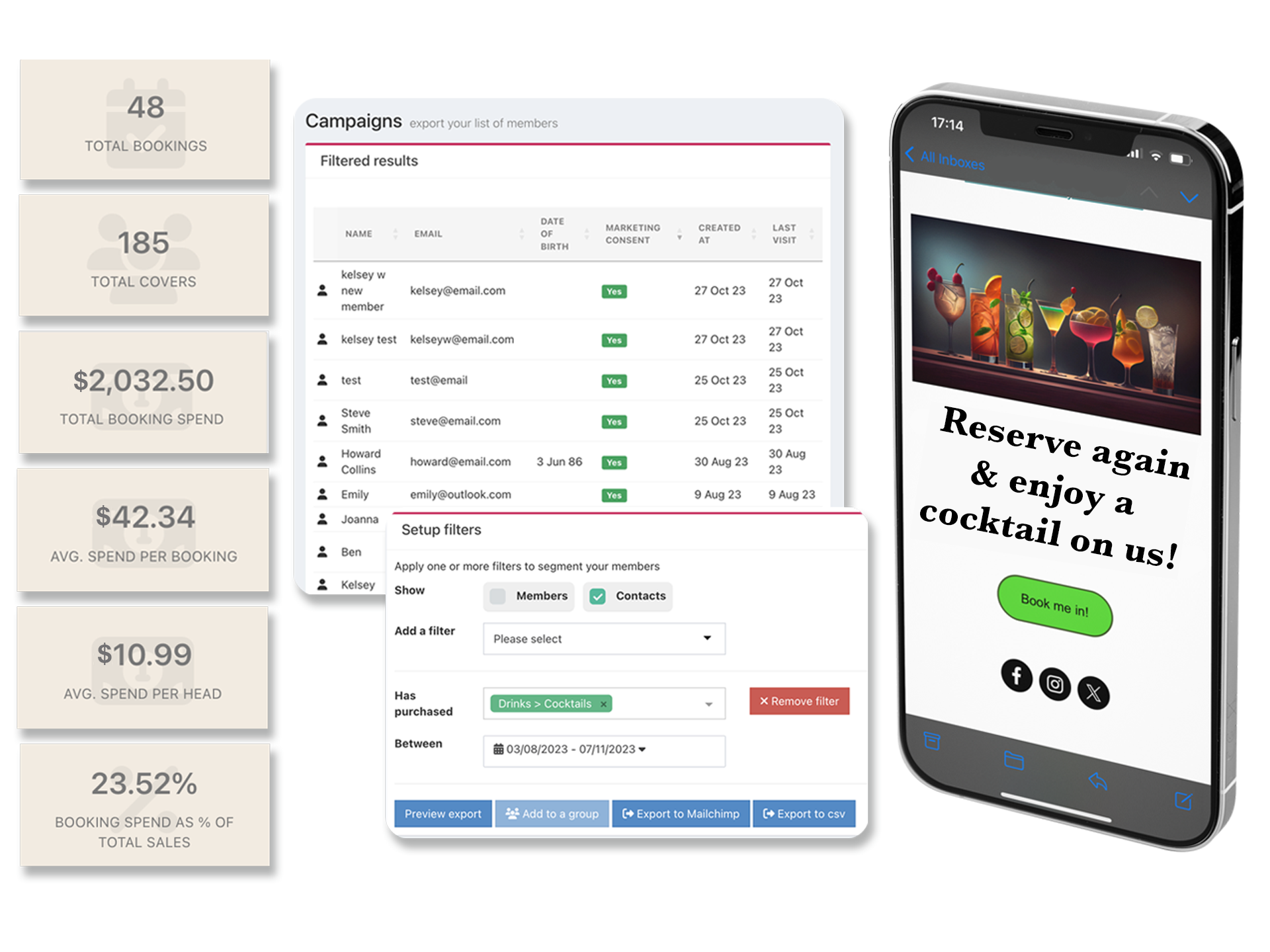
- Use data on previous visits, spend and purchase history to run targeted marketing campaigns
- Add a tick box for guests to join your loyalty scheme while making a reservation
- Real-time reports on average spend per reservation, per head, and reservation spend as a percentage of total sales
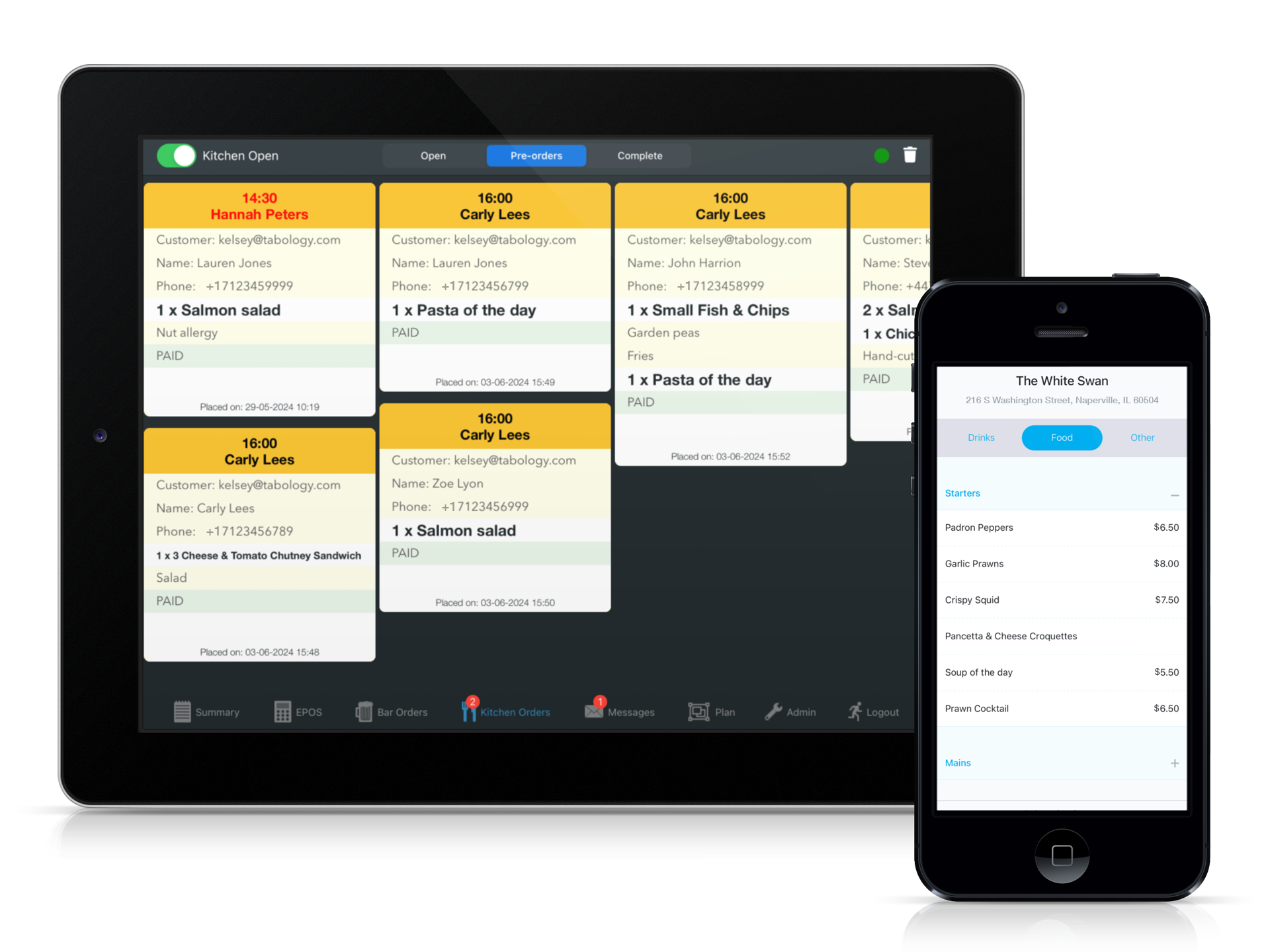
Pre-orders
- Enable guests to place pre-orders when making a reservation
- Select which of your POS products should be available to pre-order with which reservation type
- Give staff and kitchen teams an early view of pre-orders directly on the POS
- Pre-ordered items automatically added to the guest's tab on arrival, with inventory adjusted and order tickets routed to kitchen screens & printers
All Features
CONACT US
TOLL FREE: (855) 822-7687
EMAIL: usa@tabology.com
Registered Business Address USA
Tabology USA Inc.
216 S. Washington Street
Naperville
IL 60540
FOLLOW US
