


Easy to set up
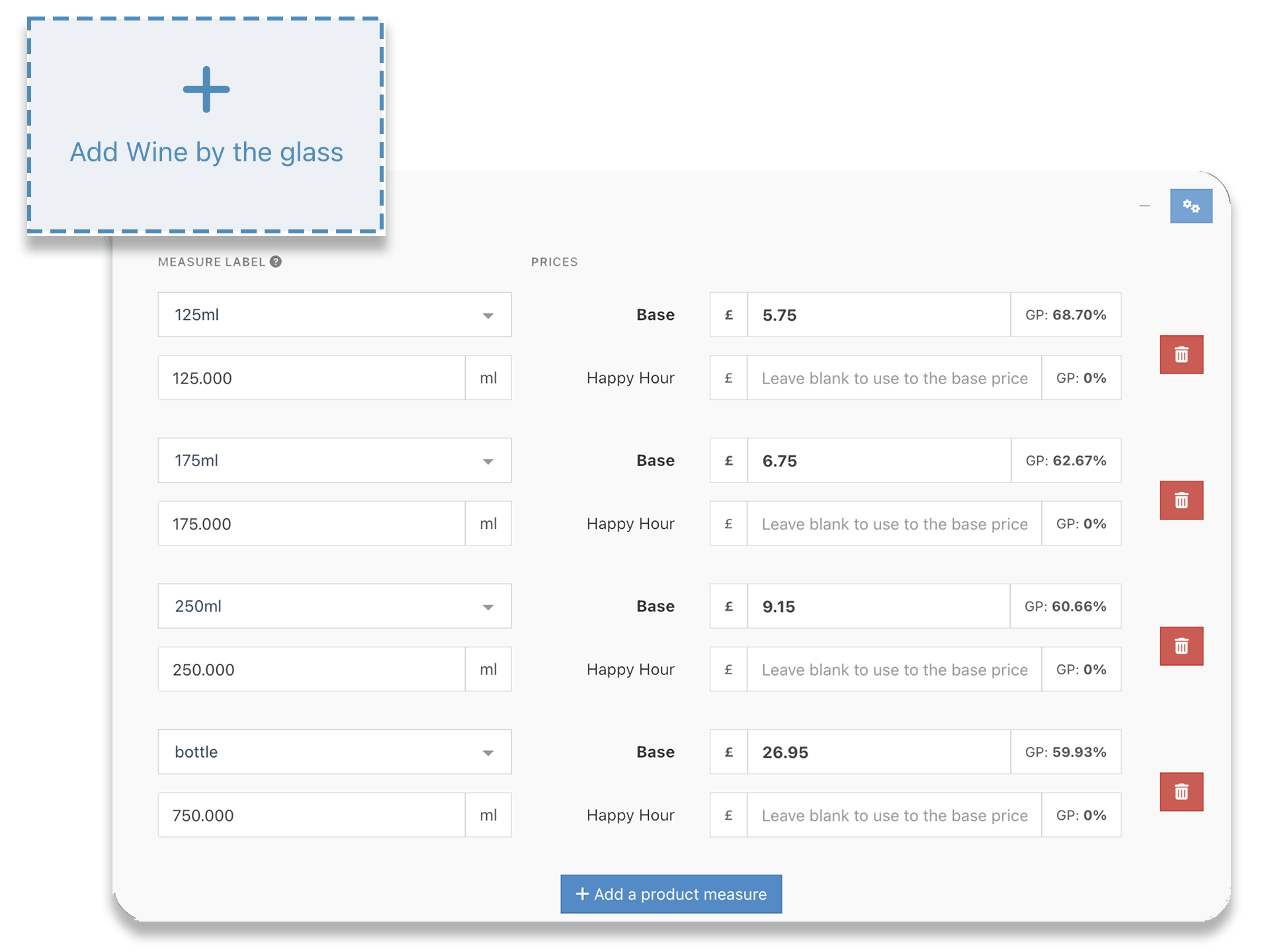
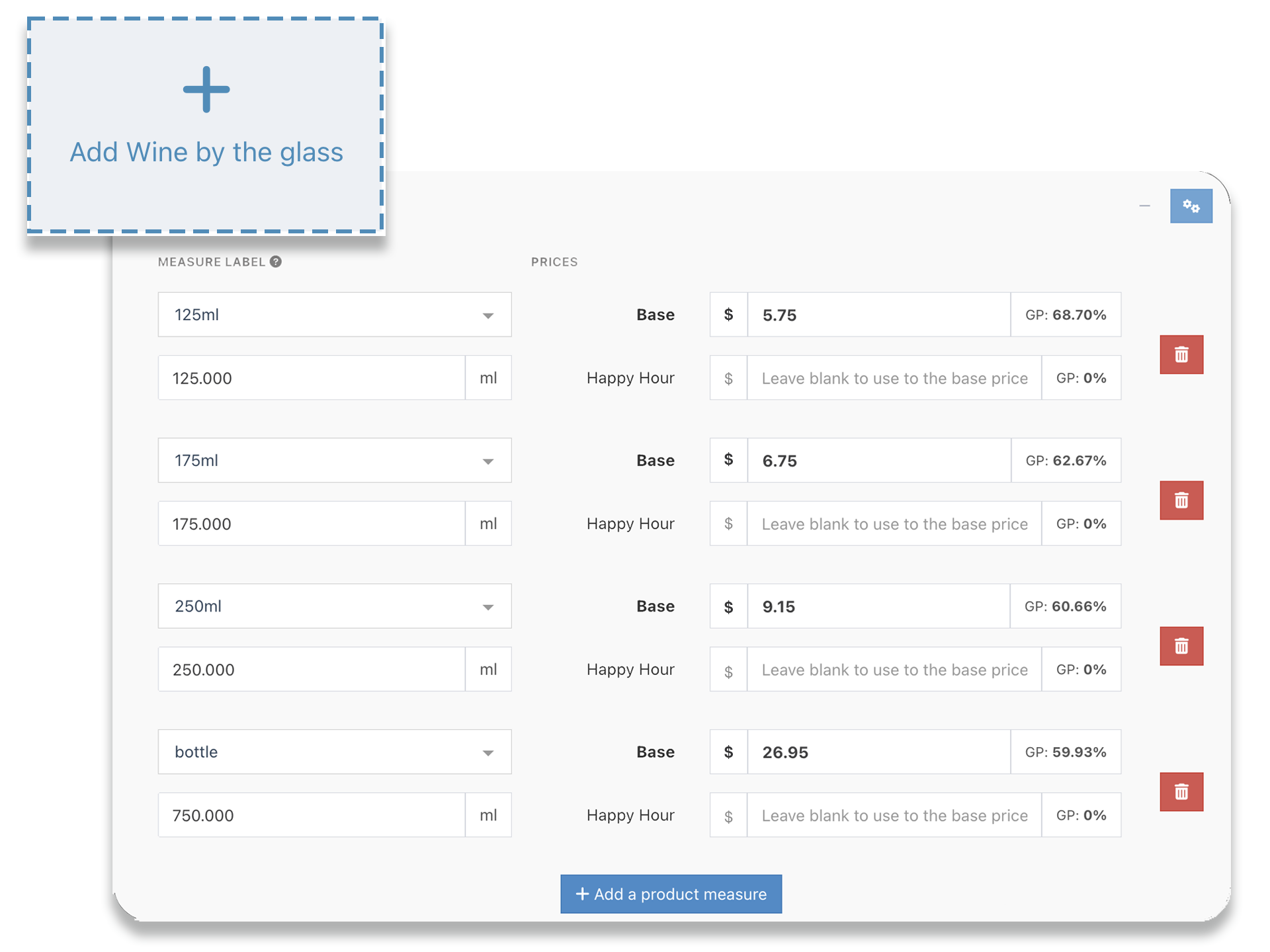
- Flexible inventory settings link the products you buy (kegs, cases, bottles) to the measures you sell (pints, bottles, glasses)
- Product templates mean new products automatically pick up the correct inventory settings
- Add your suppliers and link your products to the supplier that provides it
- Change the cost and sale prices of large numbers of products with bulk price updates, with the ability to filter products and save drafts
Recipe Management
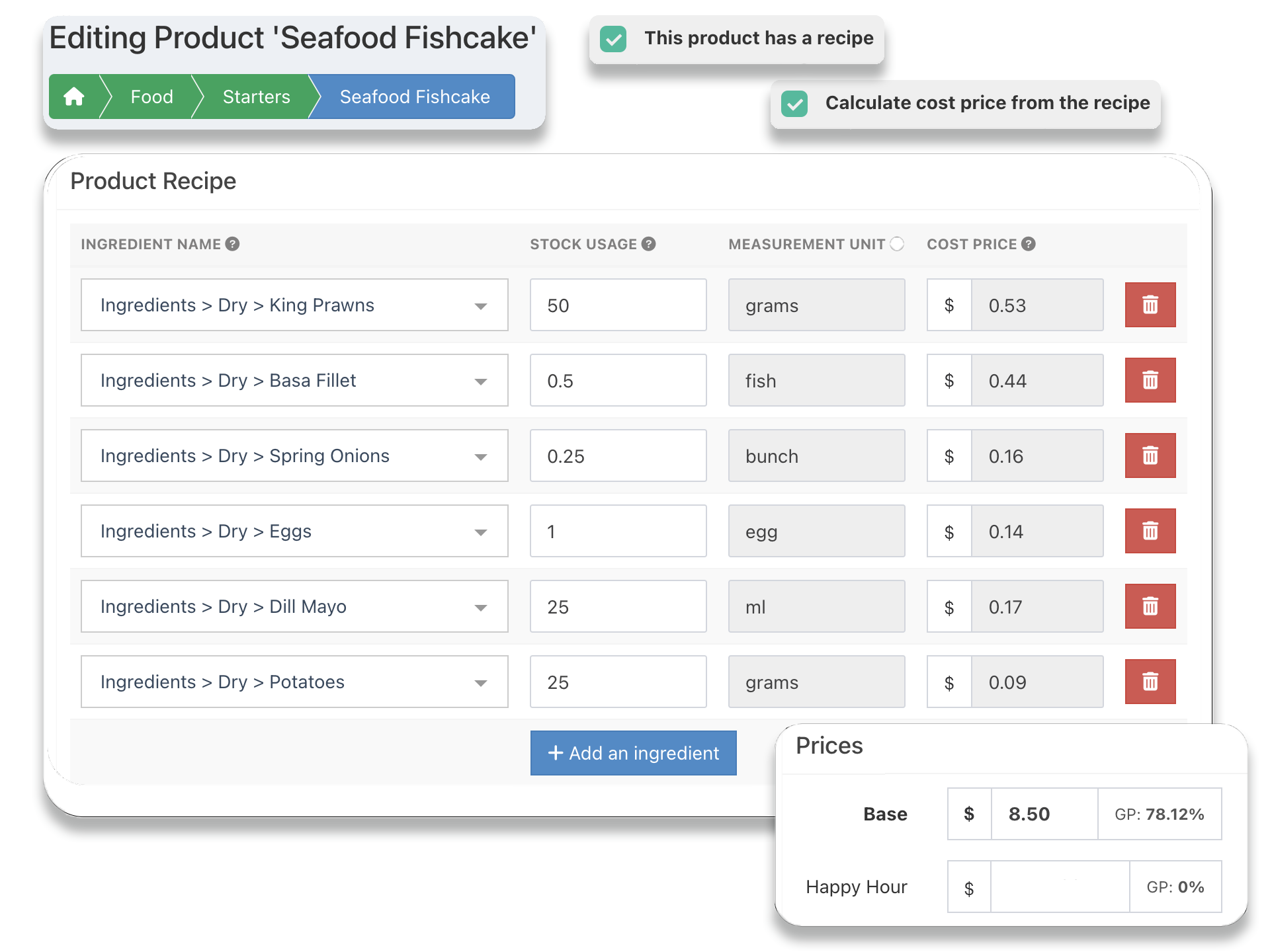
- Allocate recipes to products and inventory of ingredients is deducted in realtime as you sell
- Add nested recipes or create batches that can be used as ingredients in other recipes
- Cost of recipes and GP are calculated automatically and re-calculated as the price of ingredients change
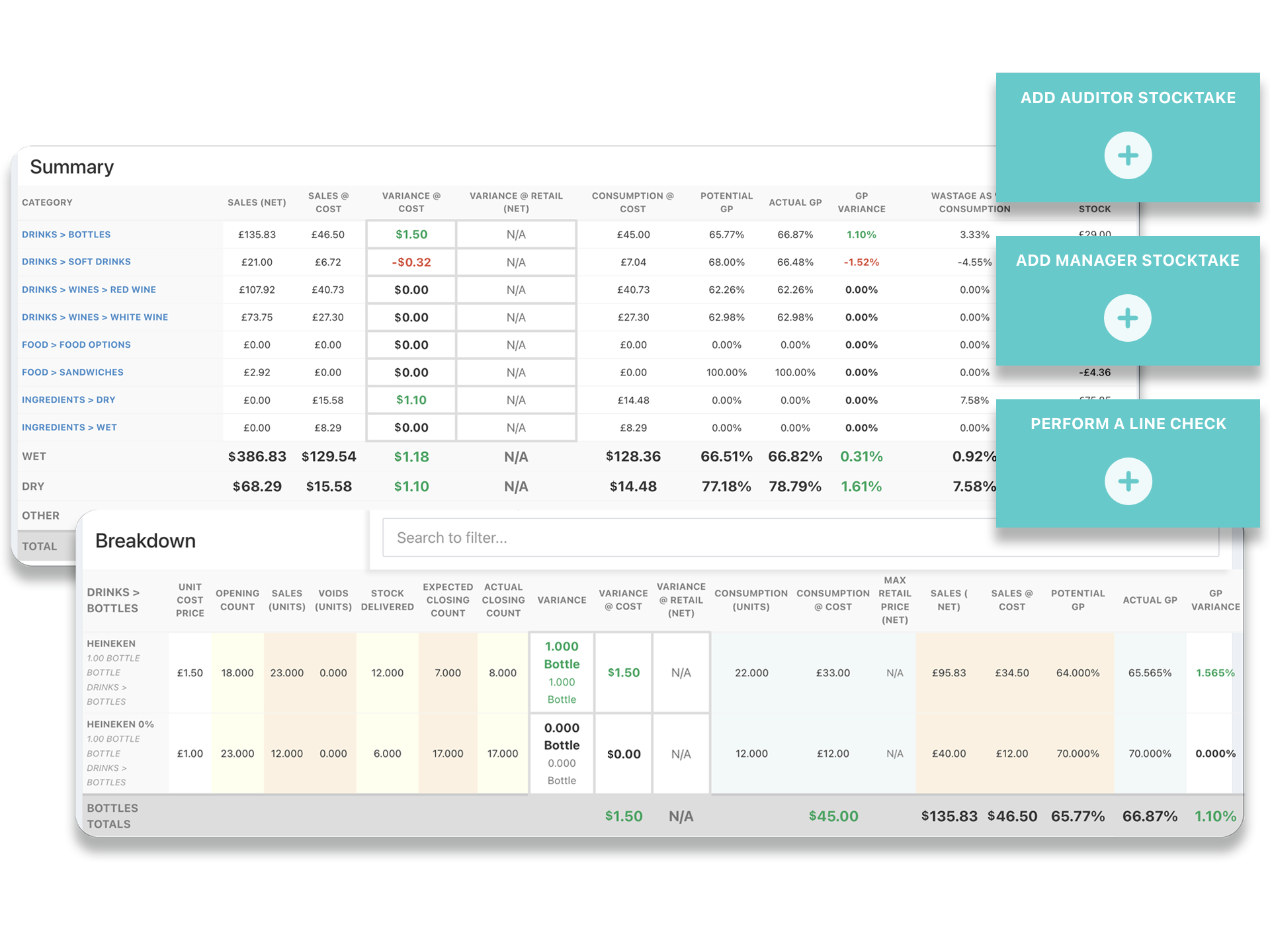
Run inventory counts and view detailed reports
- Run manager inventory counts to identify variances and view detailed reports including variance cost and actual GP achieved, add explanation notes to inventory count reports
- Verify figures and overall procedures with independent audit inventory counts
- Investigate variances by running quick, daily line checks on products with large or frequent variances
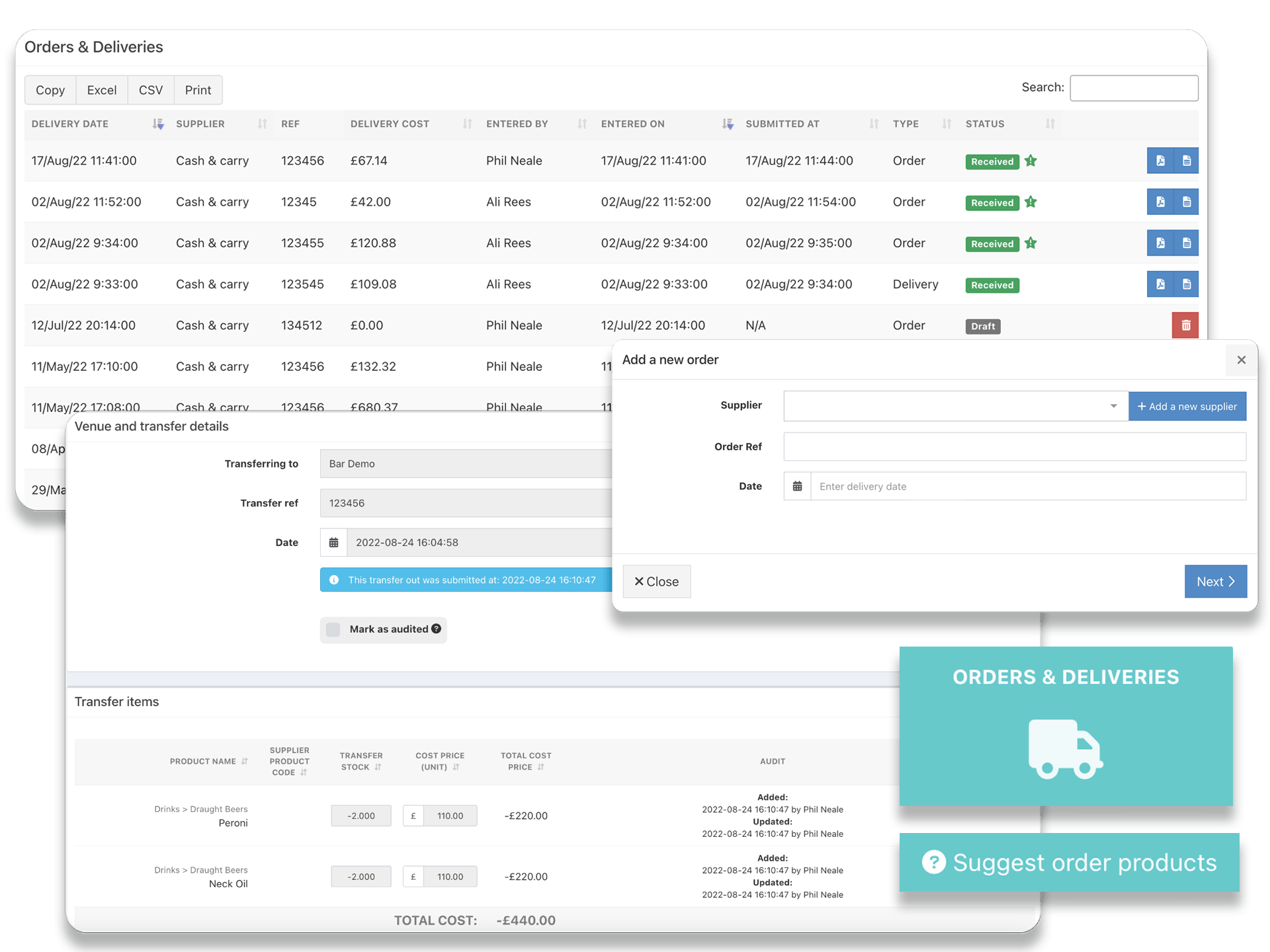
Supplier orders & inventory transfers
- Send orders to suppliers and automatically update inventory once delivered
- Receive email notifications of items running low, so you can order more before you run out
- View suggested orders based on current inventory levels and recent sales, or set PAR levels against each product and automatically place orders to maintain levels
- Transfer inventory from other sites within your group
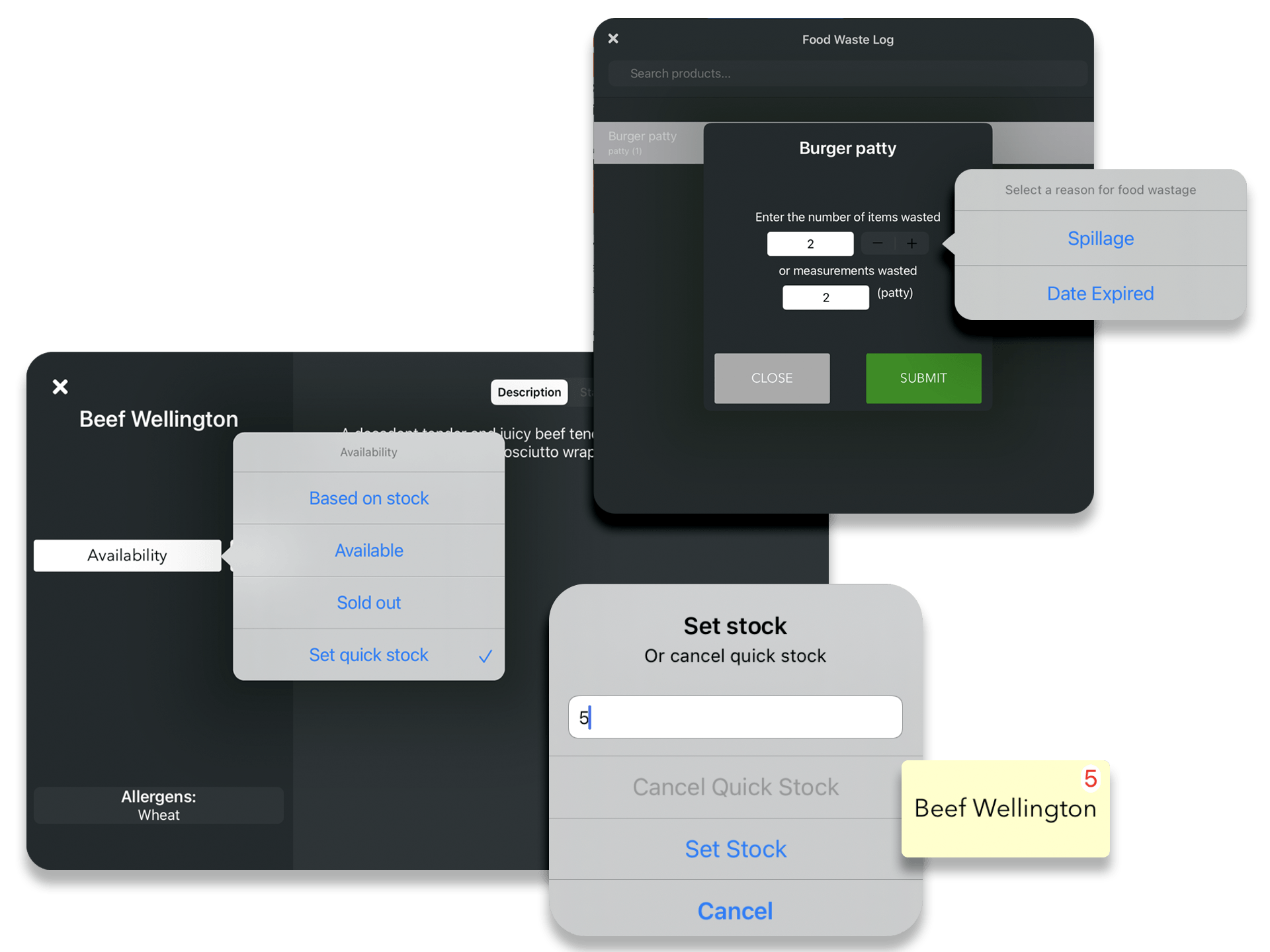
Inventory figures at your fingertips
- Use automatic inventory to set items as 'sold out' when it has run out
- Set quick inventory values to quickly set the quantity of a limited item and countdown remaining inventory
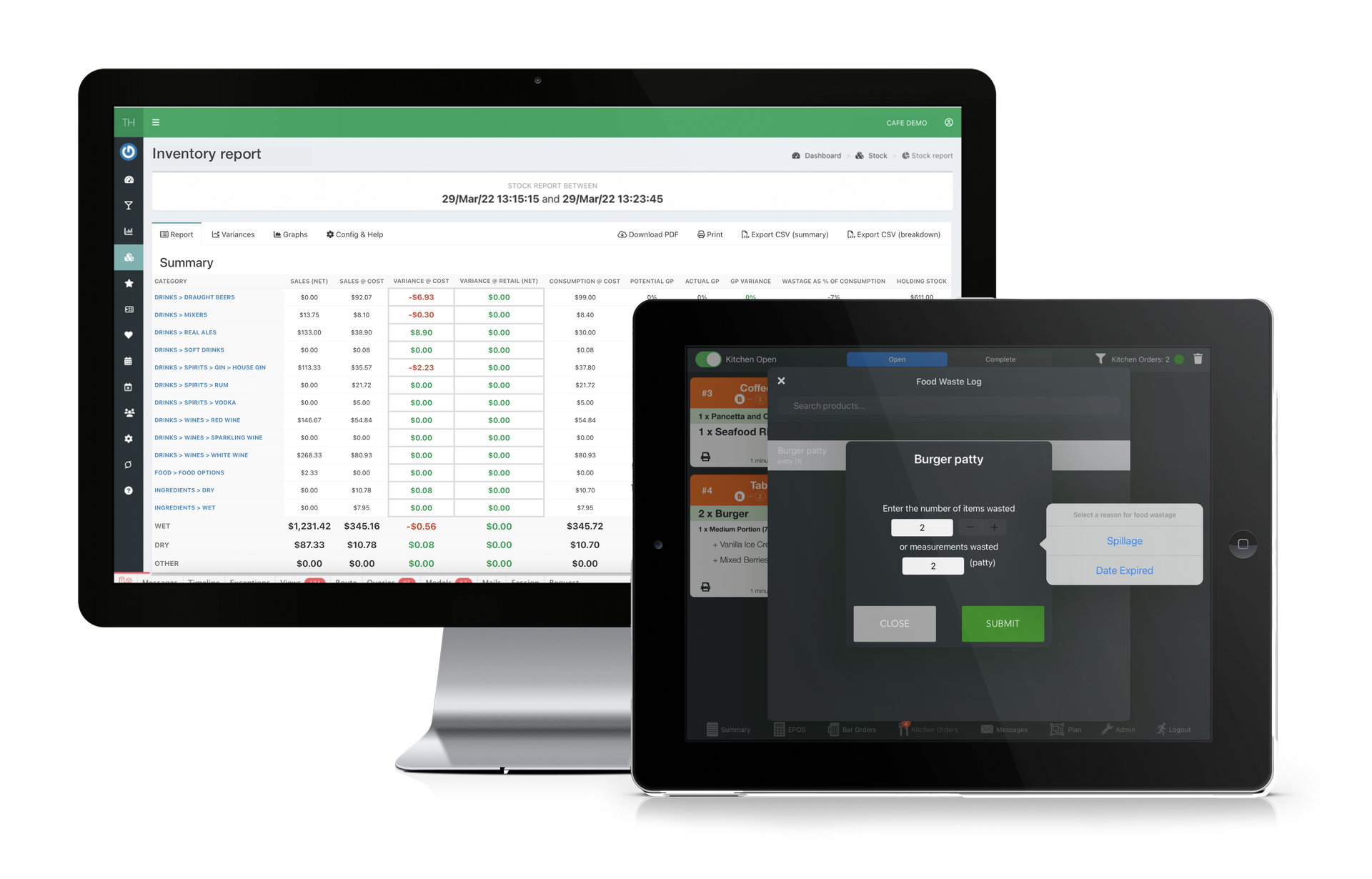
- Void sold items as wastage or directly record kitchen wastage from the kitchen screen
All Features
CONACT US
TOLL FREE: (855) 822-7687
EMAIL: usa@tabology.com
Registered Business Address USA
Tabology USA Inc.
216 S. Washington Street
Naperville
IL 60540
FOLLOW US
