Hospitality systems - when, where & how to integrate
While the explosion of apps and technologies for running your hospitality business has brought benefits, it’s also given rise to a problem: their effectiveness depends on how well these systems integrate.
Your hospitality EPOS is at the heart of your business and contains a wealth of data that other systems rely on, from accounting platforms to staff scheduling tools. Many more systems also feed into your EPOS, whether you’re taking mobile orders from a table service app, or deposits from a booking system. Operators in charge of these tech stacks are told these systems ‘integrate seamlessly’. Yet what that actually means can vary enormously.
What does POS integration mean?
Integration has become one of the most misused words in hospitality tech. Every supplier claims to ‘integrate’, but it can mean anything from exporting a CSV once a day to sharing live operational data in both directions. Two systems can both advertise an integration while delivering completely different experiences for operators.
And this ambiguity is a real problem when you’re buying hospitality tech. You purchase software expecting seamless automation, only to discover you still have to rekey information, wait for delayed syncs or chase two support teams when something breaks.
It’s an issue mentioned everywhere from expert panels at hospitality conferences to customer reviews on sites like Trustpilot. This guide will help you ask the right questions of vendors and build a tech stack that actually serves your business.
There are three distinct ways systems can work together, and even within that, they are not equal. Let’s look at them now.
Manual / no integration
If two systems rely on the same data, but have no way of communicating, some human work must be involved in transferring data between them. This could be as simple as a user reading from one system and entering it into another, or exporting data from one system to load into another.
Many businesses reach a point where manual processes actually cost you more than you would have to invest in more integrated systems.
Signs a manual process has outgrown itself include spending too much time on admin, chasing unexplained losses, or correcting errors. These are all reasons why operators seek more integrated setups.
Examples of manual integrations are:
- A card machine not linked to the EPOS system, so staff need to key in the payment amount
- A mobile ordering system separate to the EPOS, so staff need to rekey orders into the till
- A booking system not linked to the EPOS, so staff need to check multiple systems, and manually ring in deposits or pre-orders to their EPOS
- An EPOS system not linked to an accounts platform, so bookkeepers need to manually enter sales, purchases and payments
Pros:
- If there is no existing integration option, and any interactions are simple and infrequent, manual integration could be preferable to a high up-front cost to develop a custom integration
Cons:
- High ongoing cost of time moving data between systems
- Error-prone as mistakes can easily be made when keying from one system to another
Opportunities for fraud through deliberate mis-keying

Third-party integration
Two systems from different companies can often talk to each other via a third-party integration – one publishes an API or SDK (Application Programming Interface or Software Development Kit) that lets the other plug in. Or in simpler cases, an informal 'DIY' link via a platform like Zapier.
But the nature of these integrations varies enormously. Two booking systems might both integrate with the same POS, yet one only sends deposits while another syncs menus, customer data and payments in real time.
Global Payments surveyed 200 restaurants in their 2025 report, ‘The Hidden Costs Draining Restaurant Profits’, and found that poor integrations were a major issue:
“When asked, nearly half say their systems are only somewhat integrated, often leading to mismatches and errors. And what about advanced integrations like inventory and reservation management? Less than half of those surveyed are taking advantage of these tools.”
It’s crucial to ask questions of any prospective vendors, so you avoid operational headaches from integrations that don’t work how you expect.
- What data passes between systems?
- Does it flow both ways or only one?
- Is it live? If not, how frequently can data be sent?
- And who owns the problem when something breaks?
That last one is critical. Some POS systems have over 100 integration partners. Each time one of those systems is updated, there is a risk of disruption. Make sure there are service-level agreements in place for resolving issues. Because ultimately, while connecting two systems can certainly bring benefits, when fragmentation occurs, there are real costs: downtime during service, more time spent on admin taking you away from what matters, and reduced access to key data.
Examples of third-party integrations are:
- An EPOS that automatically sends card payment amounts to a connected card machine
- An EPOS system that sends sales, purchases and payments to an accounting system
- A delivery service that sends online orders to an EPOS
- A booking system that sends deposit information to an EPOS
Pros:
- Ongoing manual effort is reduced or removed
- Elimination of manual keying errors, or deliberate fraud
- Wide choice of multiple different third-party systems for each function
- If data flows more smoothly, you can access insights more easily than without integration
Cons:
- Potential up-front cost to implement for custom integrations ( not if the systems already have an integration available)
- Data available to systems is limited to exactly what is shared, which can limit what you can do with the integration
- Issues require two companies’ resources to resolve, making them difficult to troubleshoot & fix
- Feature requests or improvements will involve buy-in from two companies
- Updates in one system can disrupt how it integrates with another, creating operational headaches
- Costs can mount up as you are paying multiple monthly subscriptions
- More platforms can make it harder for staff to learn and navigate systems
Built-in functionality
Third-party integrations can work well, but when they break or lag, it costs you during service. More integration won’t help.
The alternative is one system, one dataset, one source of truth – built on the same foundations, backed by the same team, covering functions that would normally need separate platforms.
The real impact isn't just simplicity – new staff learning one system instead of three, for example – but the stronger connection of data.
When your EPOS, booking system and staff scheduling all use the same data, you can factor booking covers and EPOS sales into forecasts, and build more accurate rotas. Toast Pub Leeds reduced their labour costs from 26% to 23.9% using this exact setup. It’s very difficult to get data working in this way if it’s across three different systems.
It also readies you to adapt to industry changes. AI tools are helping operators forecast sales and staffing levels, predict inventory levels, manage tables and personalise loyalty. But AI is only as good as the data it can access. It’s much harder for AI to work effectively if data is spread across three or four different systems with shaky integrations.
The key when considering a platform that offers comprehensive built-in functionality is to ensure it provides the depth you need. Some ‘all-in-one’ POS systems offer a broad range of features, but can lack depth in certain areas, such as stock management. The best way to understand whether an EPOS does what you need? A free trial. Good vendors should have the confidence in their product to let you try it out before committing.
Examples of built-in functionality are:
- An EPOS system with built-in booking system, so booking data can feed into staff-scheduling forecasts and deposits easily accounted for
- An EPOS that incorporates a staff scheduling system, so sales information is readily available for forecasting & wage percentage calculations
- Stock management built into the EPOS, giving real-time availability, automatic stock adjustments and automated ordering
- An EPOS system that incorporates a mobile ordering system so orders feed straight into the EPOS and menus sync automatically
Pros:
- Ongoing manual effort is reduced or completely removed
- Removal of manual keying errors
- One system to log in to
- One system for staff to learn
- One point of contact for any questions or issues
- Each function has access to all the data of all the incorporated functions, leading to functionality that may not be possible with third-party integrations
- Improvements and feature requests only involve one company's buy-in
- Costs can be lower as you need fewer monthly subscriptions
Cons:
- Limited choice of genuine all-in-one systems
- May involve some compromise on features vs multiple third-party systems
The real integration questions
There is likely a place in most businesses for each type of integration. But the question isn’t “Does it integrate?”
The real questions are what data actually moves, in which direction, how frequently – and who fixes it when something goes wrong. Once you understand those answers, you can decide whether a manual process, third-party integration or fully built-in platform is the right fit.
Ultimately, the more that lives natively in one system, the less you're relying on connections that can break, lag, or limit what your data can do.
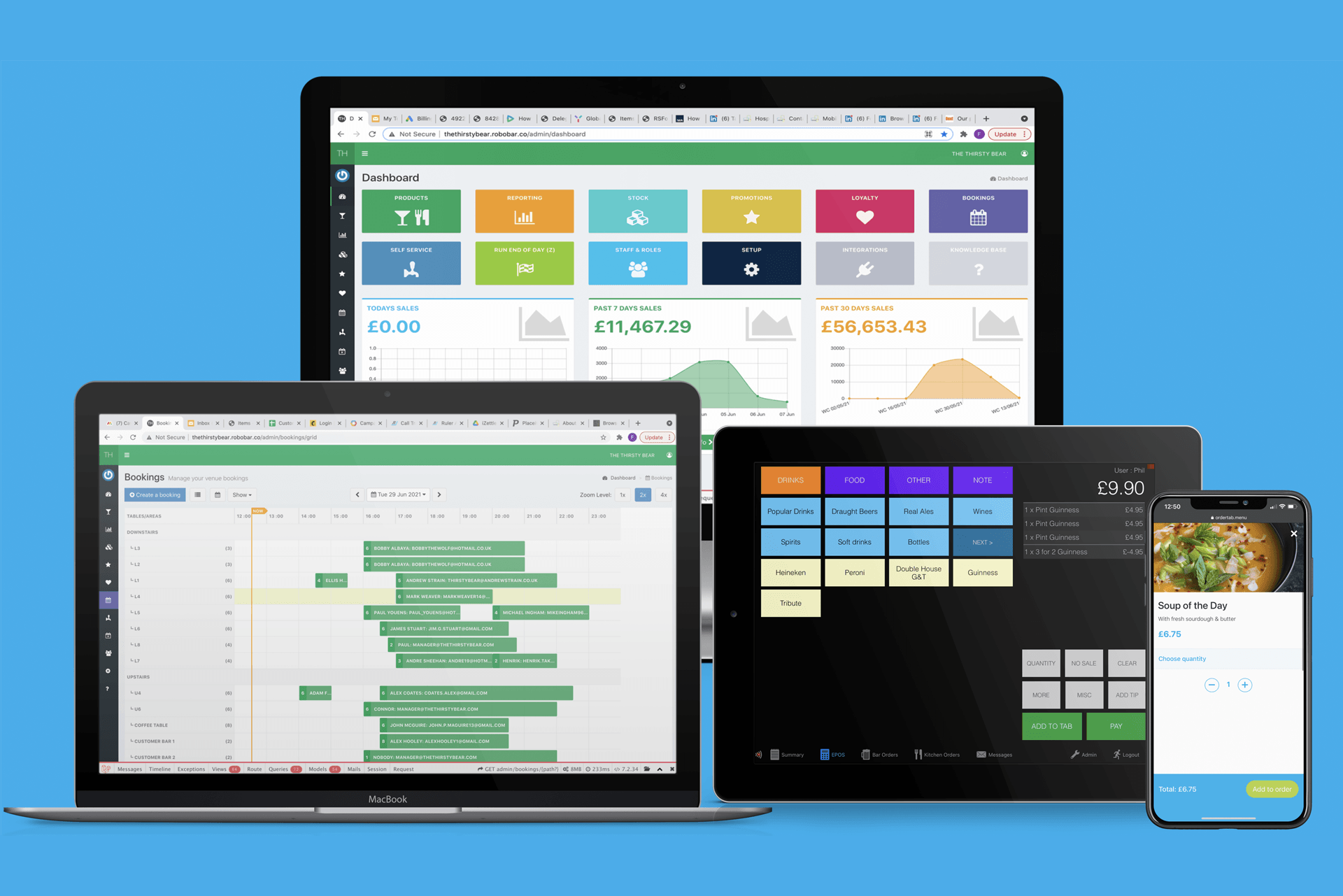
Our EPOS is designed specifically for hospitality businesses. Its full suite of features – including mobile ordering, booking system, stock management, loyalty, staff scheduling tools, and more – share the same data. It offers a depth of functionality and ease of use you would expect to find in standalone systems. Our third-party integrations include popular accounting packages, payment processors and delivery services.
If you have any questions about the tech you use at your venue, how integrations are influencing your operations, and how this might be improved, our experts are happy to help. Drop us a message and we’ll be in touch.